Set your trip
Enter pickup and dropoff, confirm the route, and see prices before signing in.
 Get the app
Set your route, compare ride choices, meet your driver, and follow the trip through arrival—all from one connected experience.
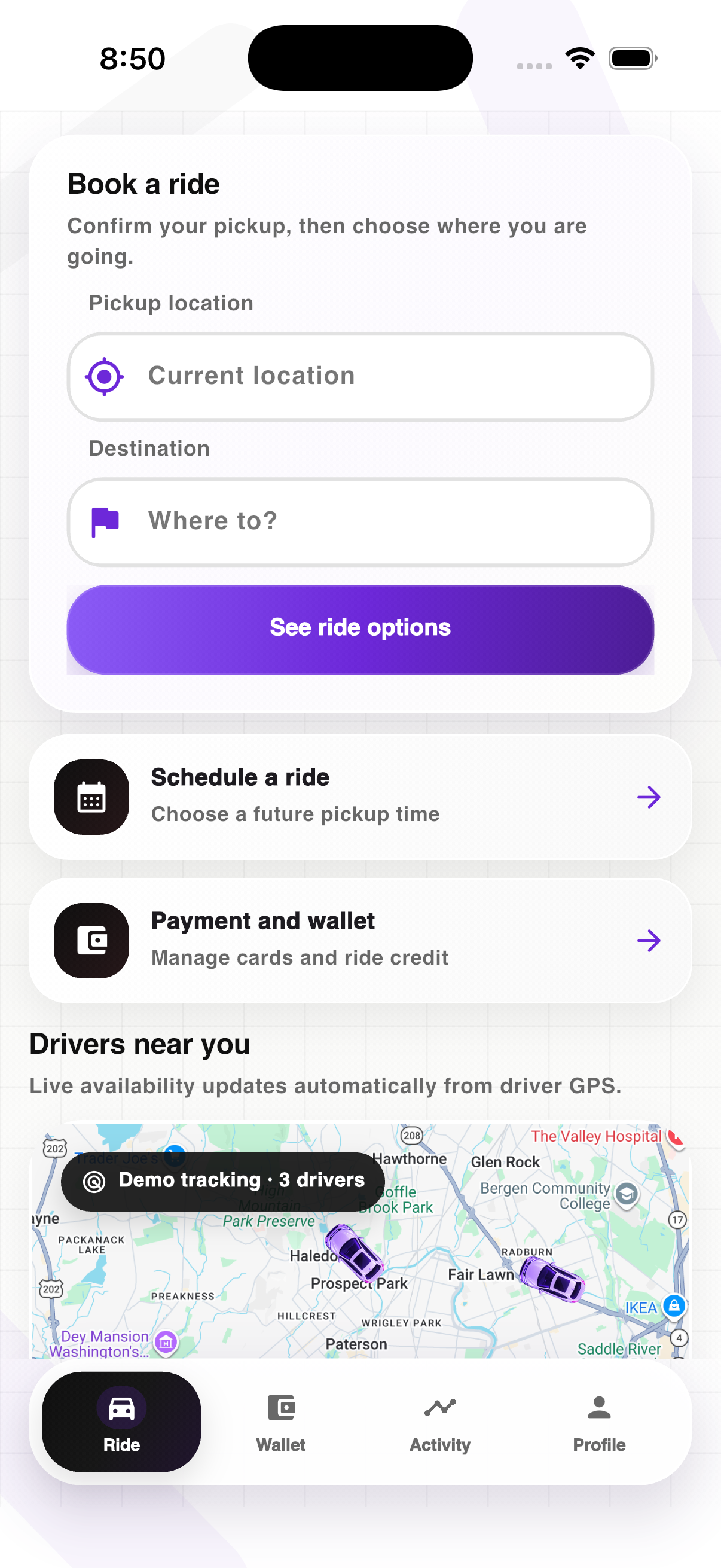
Ride keeps each decision simple and brings the information you need forward at the right moment.
Enter pickup and dropoff, confirm the route, and see prices before signing in.
Compare pickup times, space, and price, then choose what works for this trip.
See the driver, vehicle, plate, live location, and arrival status in one view.
Follow progress to dropoff, then keep the receipt, rating, and support trail together.

The trip screen changes with the ride—from driver match to pickup, arrival, live trip, and completion—so you are never left guessing.
Whether price, timing, comfort, or extra space matters most, the options stay easy to compare.

Reliable daily rides for errands, commutes, and plans across town.
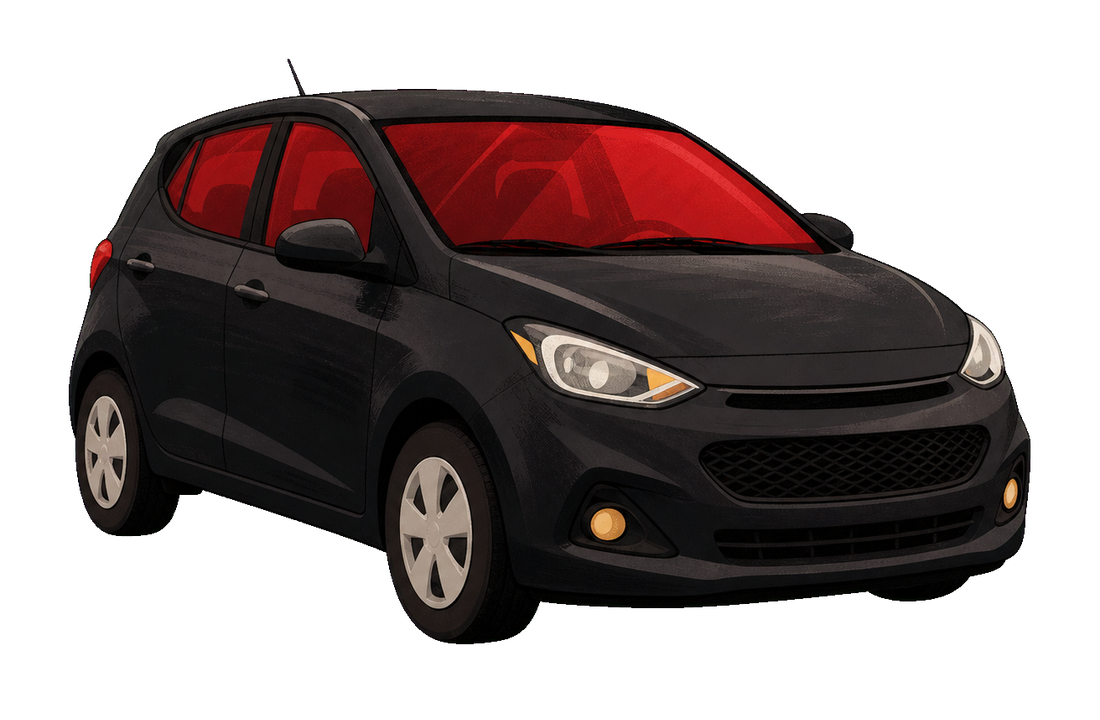
More savings when you have a little flexibility around pickup.

More comfort with roomy cars and top-rated drivers.
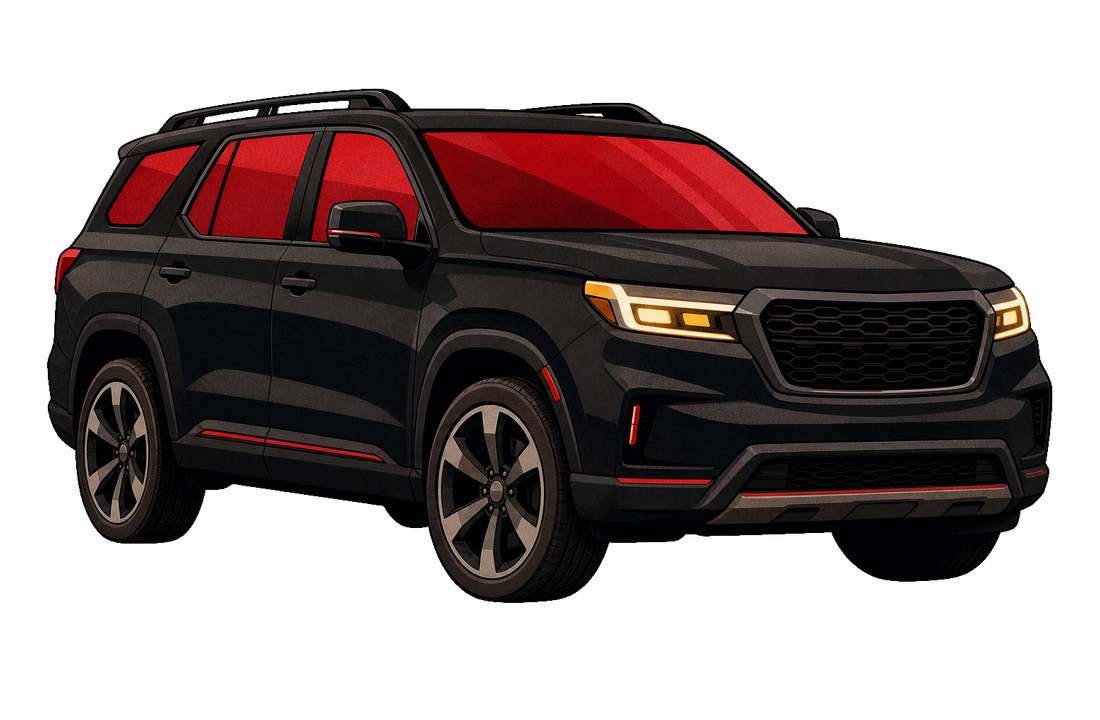
Extra seating and luggage space for bigger groups and plans.
Download Ride to enter your route, see your options, and request an approved driver.
Ride keeps the trip simple: enter where you are going, choose the ride that fits, meet your driver, and follow every detail until you arrive.
The Ride journey moves in a clean sequence: confirm the trip, choose the ride, match with a driver, track the route, then receive the receipt and support trail.
Set pickup and dropoff with clear address matching before any ride option appears.
Compare Everyday, Saver, Plus, and XL with totals that stay consistent through pay.
Ride pairs the trip with a nearby approved driver and keeps pickup status visible.
Track driver movement, arrival, wait timer, live route, and destination progress.
Finish the ride with receipt details, ratings, support, and refund review paths attached.
The ride menu stays simple so riders can compare the core choices before they book.
A dependable ride for regular trips, quick errands, and daily plans.
A lower-cost choice when you have a little more time before pickup.
Extra room for groups, bags, event nights, and bigger plans.
Ride should feel calm while the trip is moving. You should always know who is picking you up, where the car is, what happens next, and how to get help without digging through the app.
See the driver, car, pickup point, route progress, and arrival estimate in one place. If plans change, the ride screen should make the next step clear.
Share your trip, check ride details, and reach support from the ride screen. The important tools stay close without making the app feel crowded.
Every completed trip creates a clear receipt with route, fare, payment, driver, and support details, so nothing gets lost after the ride ends.

The Ride page will take the trip details first, then show the choices that fit.