Book clearly
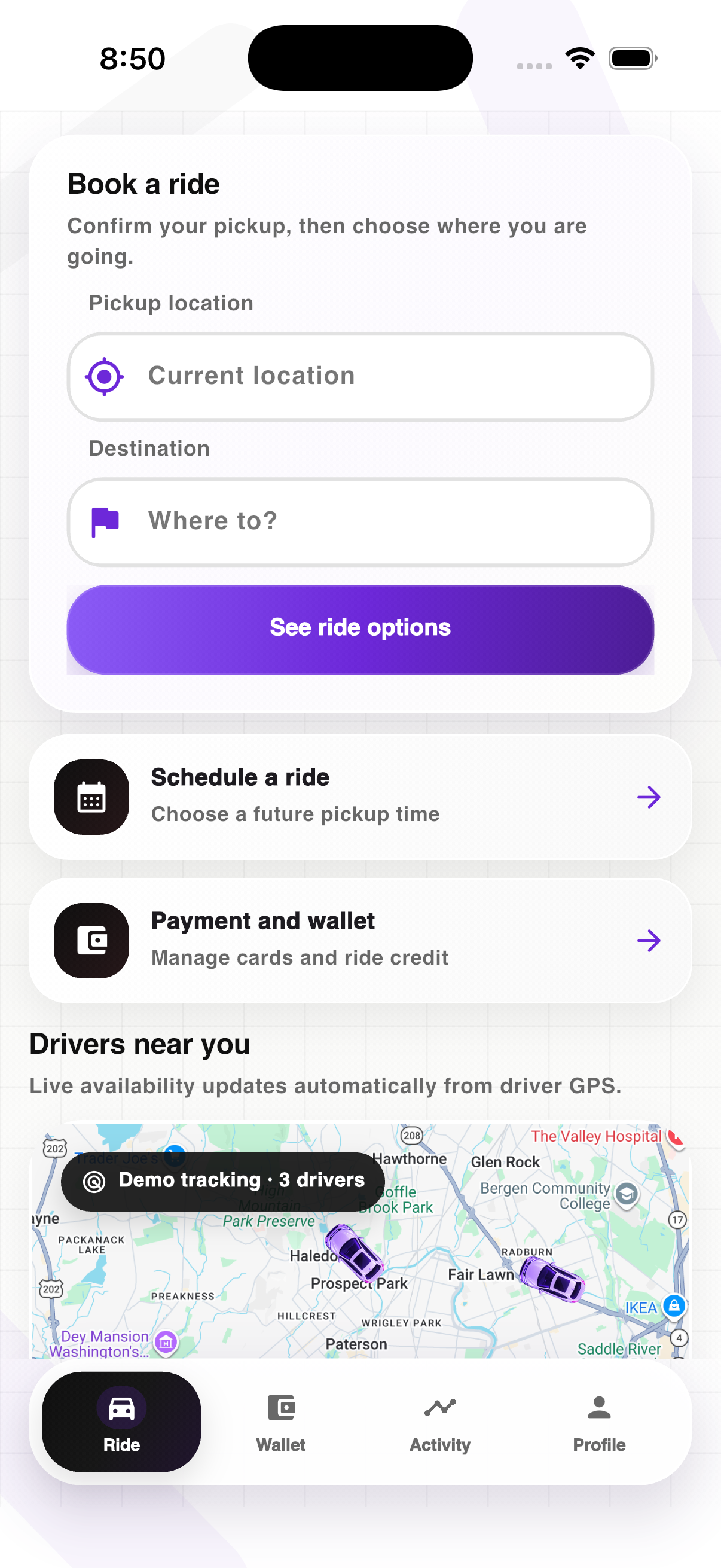
Confirm pickup, choose your destination, and review ride options without extra steps.
 Get the app
Request a ride, schedule ahead, manage your payment method, and follow every trip from one focused mobile experience.

Manage how you pay and keep every ride receipt together.
Your identity, preferences, safety, and support in one place.
Confirm pickup, choose your destination, and review ride options without extra steps.
Keep driver details, trip progress, messages, and safety tools tied to the active ride.
Access scheduled rides, payment methods, receipts, trip history, and account settings.
Open the Ride app, confirm your pickup location, enter your destination, choose a ride option, and confirm your payment method. The app will keep you updated while an available driver is matched.
Yes. Choose the scheduling option in the app, select your pickup date and time, and review the trip before confirming it.
You can manage supported cards and available digital-wallet options from the Wallet screen. The payment method you select is connected to your trip and receipt.
Once a driver accepts, the active trip screen shows the driver, vehicle, pickup progress, and current ride status in one place.
Yes. Open the active trip and choose the cancellation option. Any applicable cancellation or refund details are shown during the process.
Open Profile in the Ride app and select Support, or visit the Ride support page for help with your account, payment, or trip.